
Everything you copy, in one treasure chest.
Copytrove keeps text, links, images, files, colors and code in one searchable shelf panel. Open it with a shortcut, find it, paste it — without leaving what you're doing.
No account needed to try it. Your clipboard history never leaves your Mac.


Features
Everything you copy, organized without thinking about it
Built around one idea: your clipboard history should be as searchable as your files.
Search that keeps up
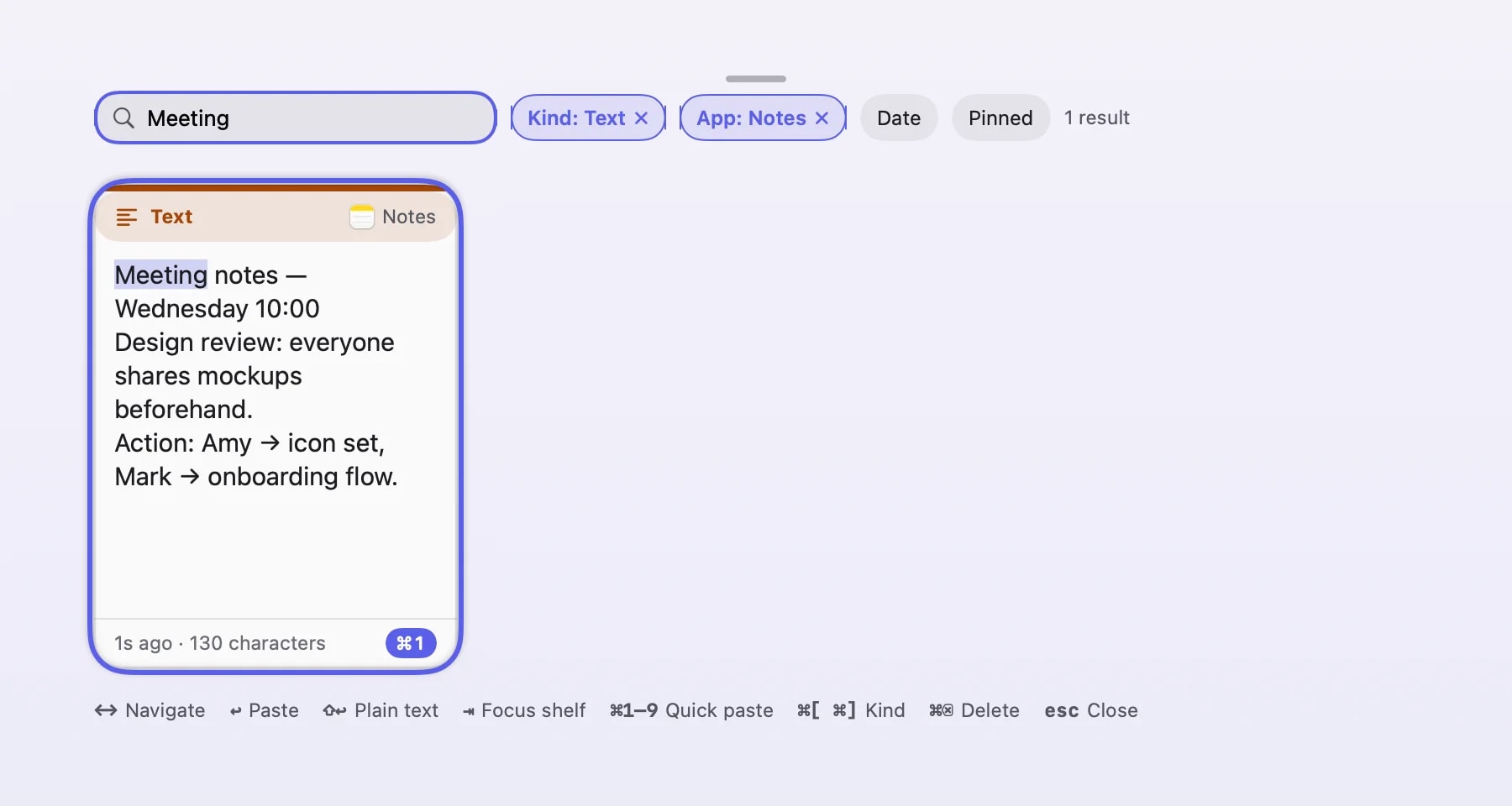
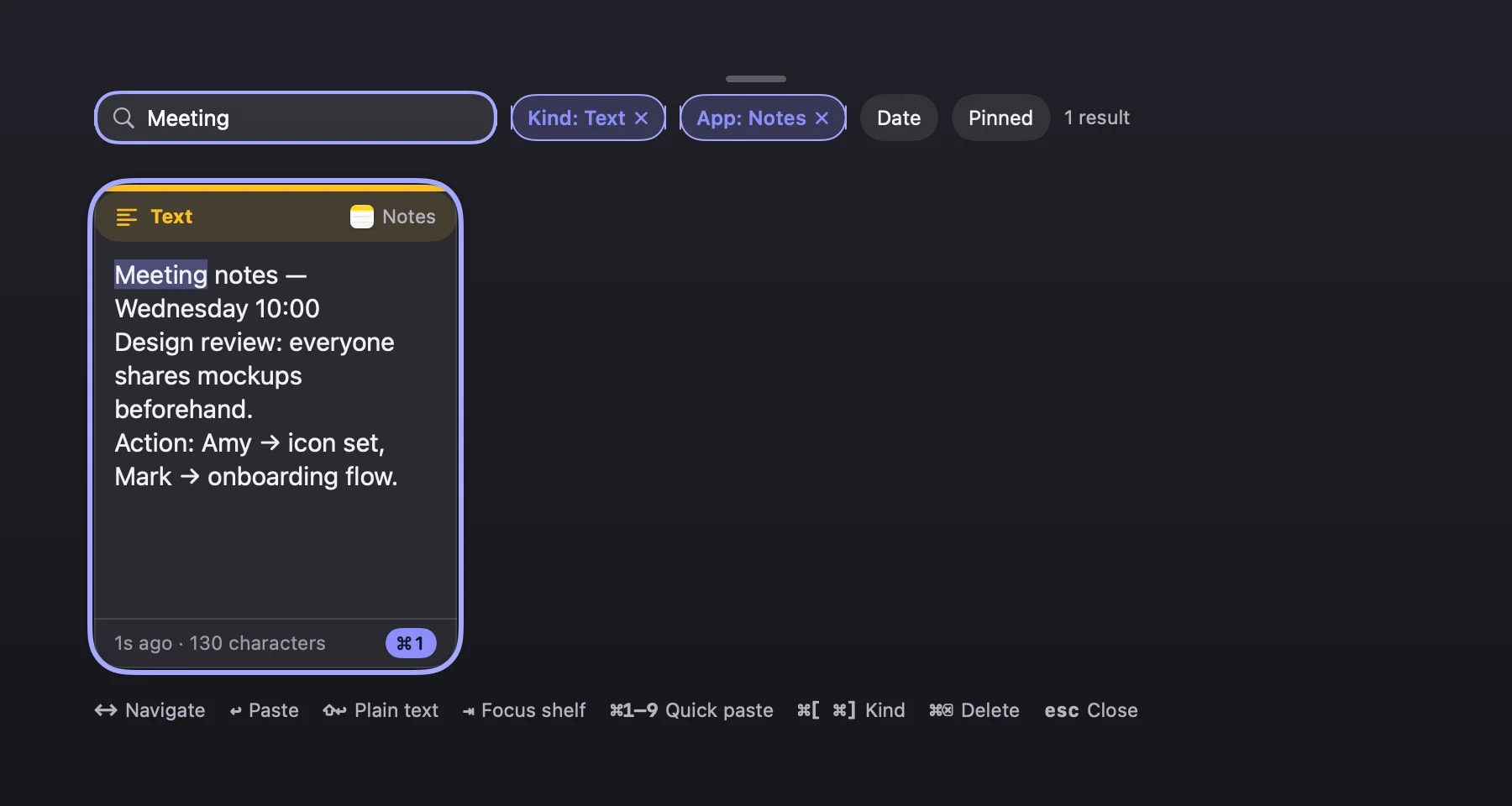
Filter by type, source app, date or pinboard while you type. Results narrow live — no separate search screen to switch to.
Paste Stack
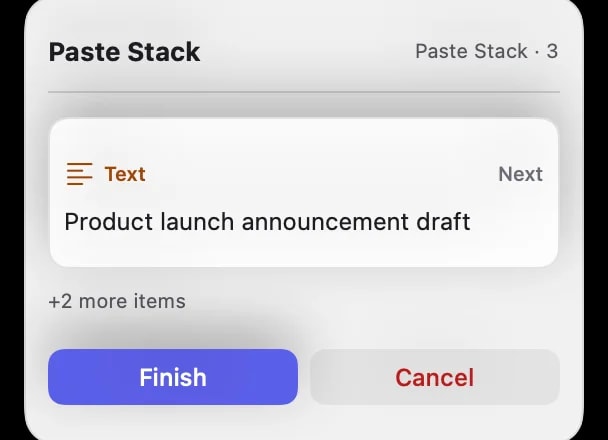
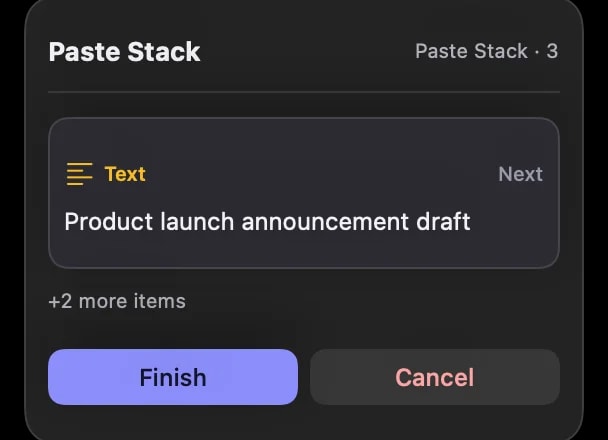
Queue up several items and paste them one after another, in order, with a single shortcut — built for filling out forms or assembling a document from parts.
Pinboards
Drag a card into a pinboard to keep it around on purpose — a running list for a project, a snippet set for a workflow, a moodboard for colors and links.
OCR & QR, on-device
Copytrove reads text and QR codes out of screenshots and images locally, using Apple's Vision framework — nothing is uploaded anywhere.
Per-app paste rules
Decide what happens when you paste into a specific app — plain text only, a transform pipeline, or your own default — instead of one global behavior for everything.
Queue it up, paste in order.
Add items to the stack as you copy; the indicator shows the order and how many are left. Reverse, merge or drop them with one shortcut.
Fix it before you paste it.
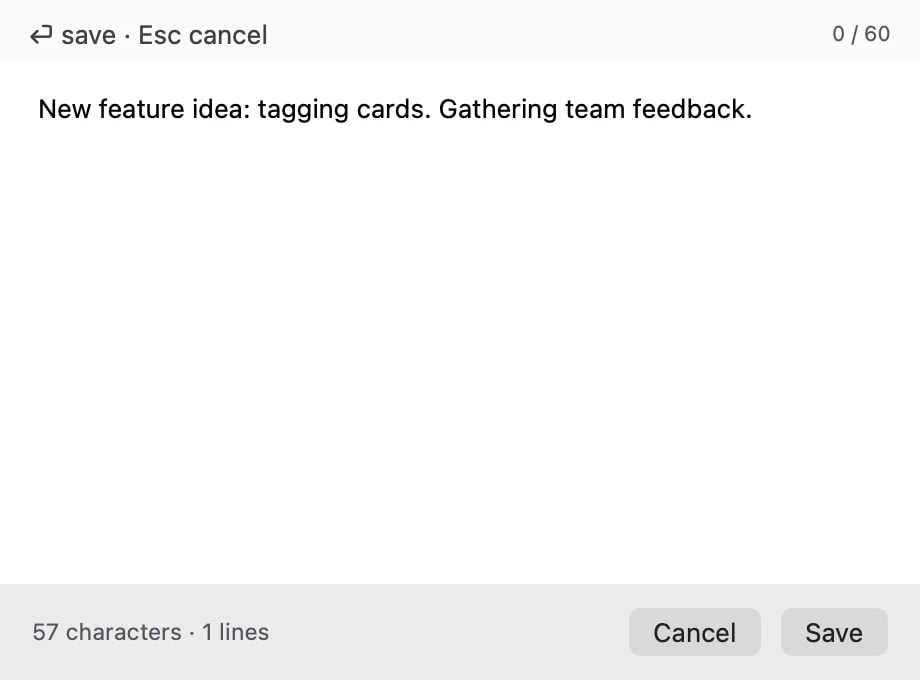
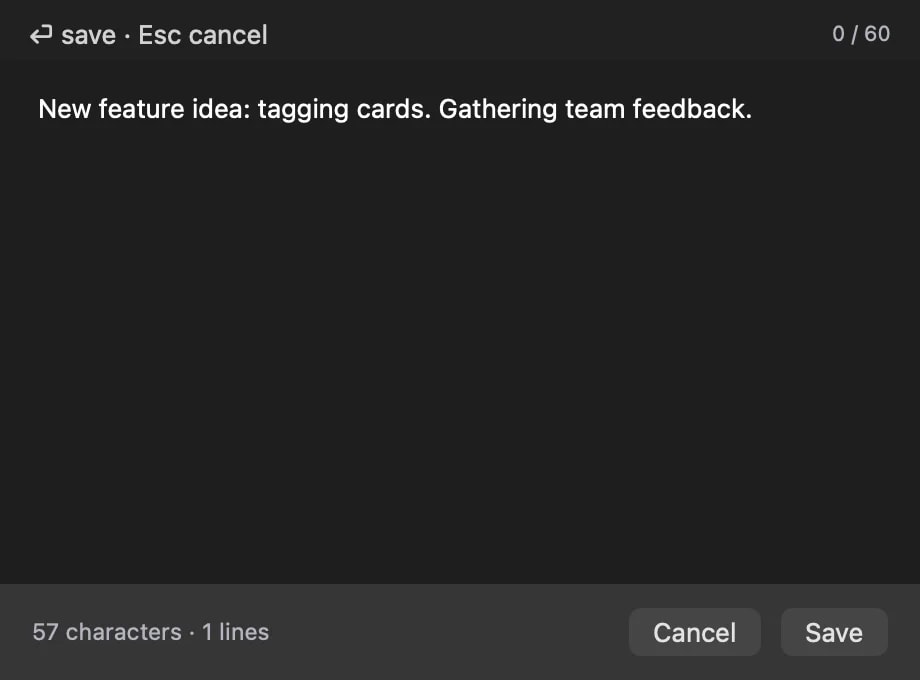
Edit text, rich text, images and colors right on the card; the edited version is what gets pasted.
Nothing you copy ever leaves your Mac.
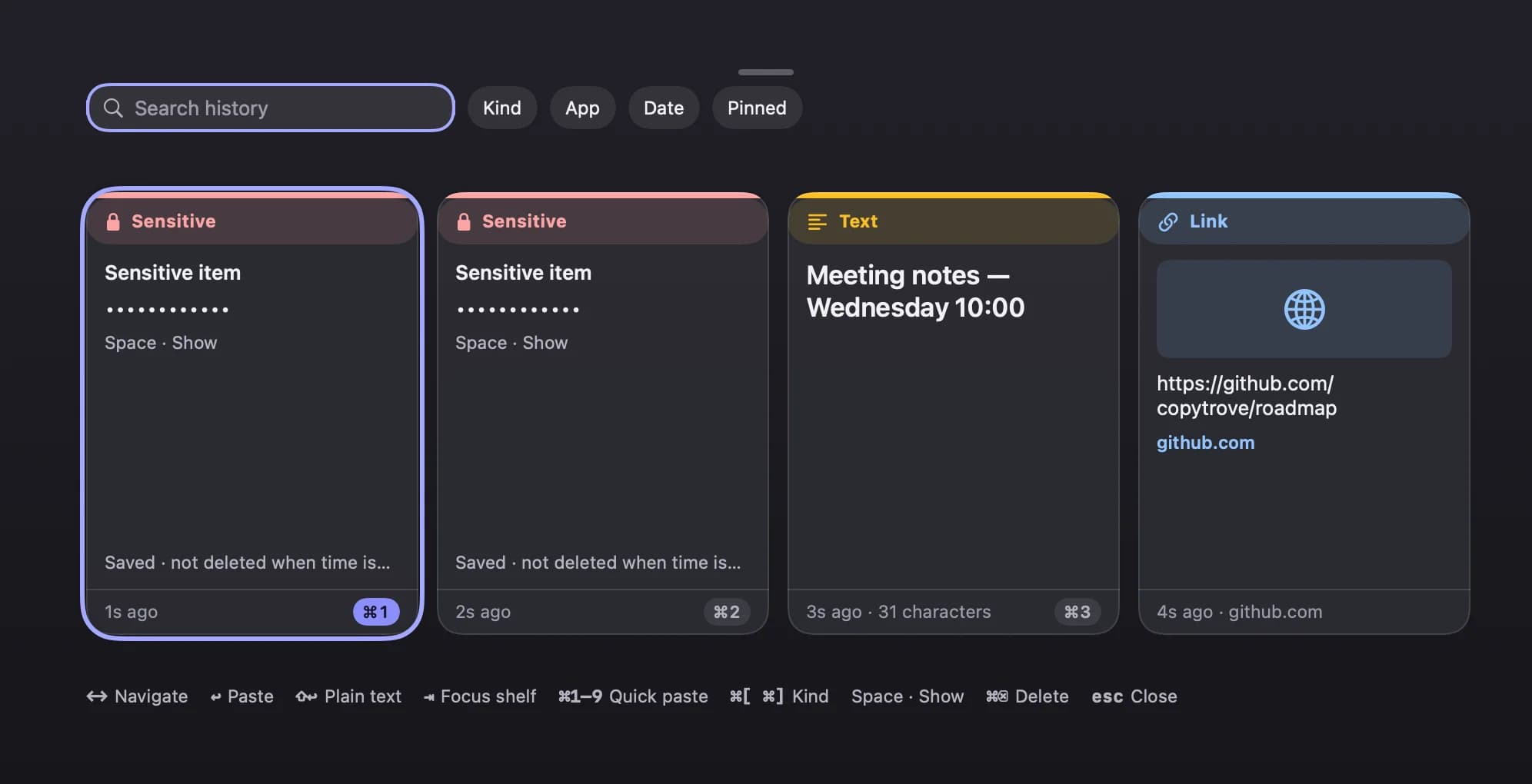
All of these protections are on in the free version too. No account, no cloud, no trackers. Copytrove detects card numbers, passwords, API keys, private keys and other sensitive patterns as you copy, and keeps them out of your searchable history by default.
Skips password managers
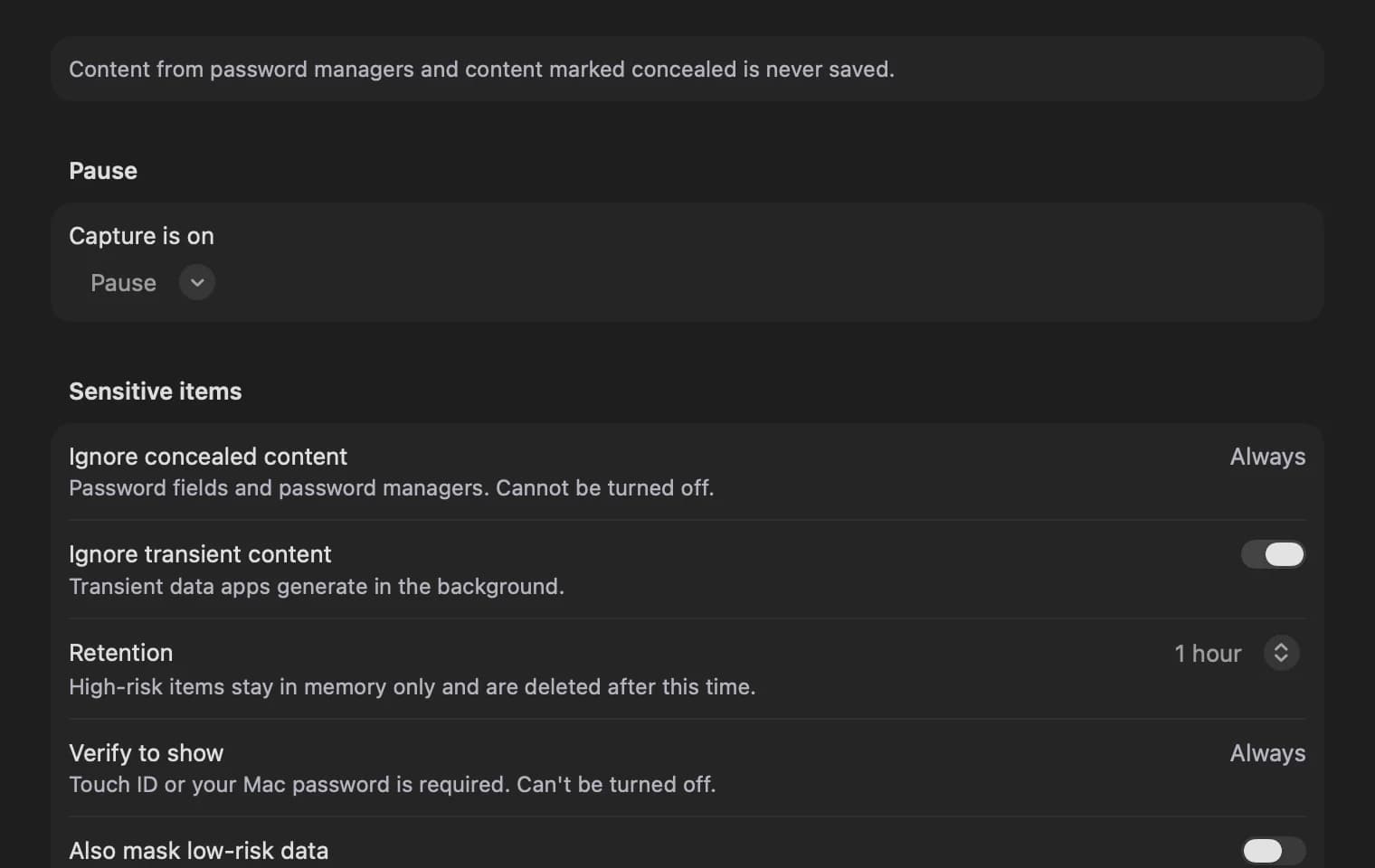
Copies marked private and from password managers are never recorded.
Hides sensitive data
Card numbers, IBANs, API keys and similar values are shown masked.
Excluded apps
Copies from apps you choose never get recorded.
Pause capture
Nothing gets recorded for an hour, or until you resume.
Your clipboard content never leaves your Mac — the one exception is the optional link preview, which is off by default: if you turn it on, your Mac fetches the linked page from that site.
Pricing
Free to start. Pro when you outgrow it.
Pro is a one-time purchase, not a subscription. 12 months of updates included; renewal after that is optional.
Free
Everything you need to replace your system clipboard
- 7 days of history
- Live search & filters
- 3 pinboards
- Every privacy protection
Pro
One-time purchase- Unlimited history & pinboards
- Paste Stack
- OCR & QR reading
- Per-app paste rules
Price shown is one of the options we're testing before launch; this price will apply at launch. After 12 months, renewing is optional — if you don't, the version you own keeps working.
Coming later: semantic search · iCloud sync · transform pipeline · Shortcuts & automation · export
FAQ